

Stop managing work
in five different tools.
Your team is coordinating across email, Slack, spreadsheets, and a project management tool nobody updates. We build one monday workspace that replaces all of it, visible, scalable, and actually used.
One platform for all your business operations
Collaborate, organize, and measure your campaigns.

Marketing
Easily plan, track and manage every project from start to finish.

Project management
Sprint through every development process, your way.

Software development
Run your IT operations with control and eficiency.

IT
Streamline requests and manage your entire creative process.

Creative
Build efficient processes for recruitment, onboarding, and more.

HR
Work is happening everywhere.
Visibility exists nowhere.
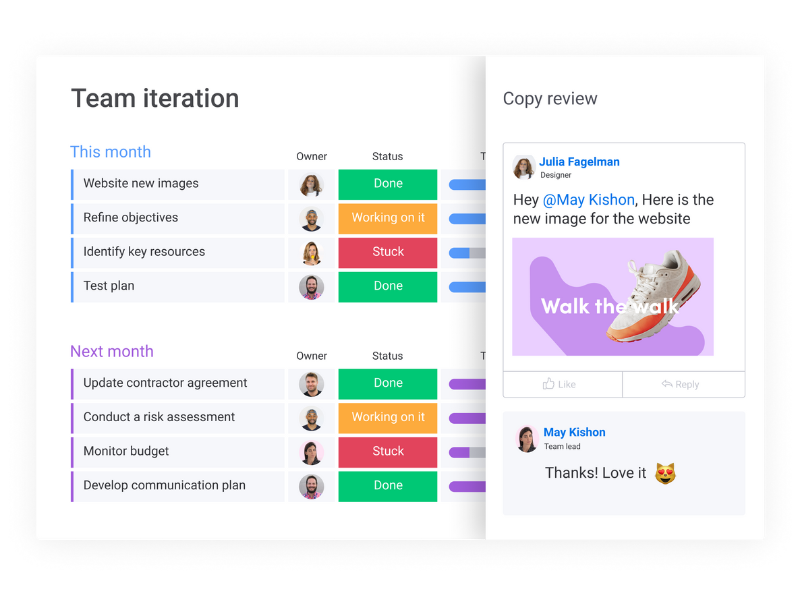
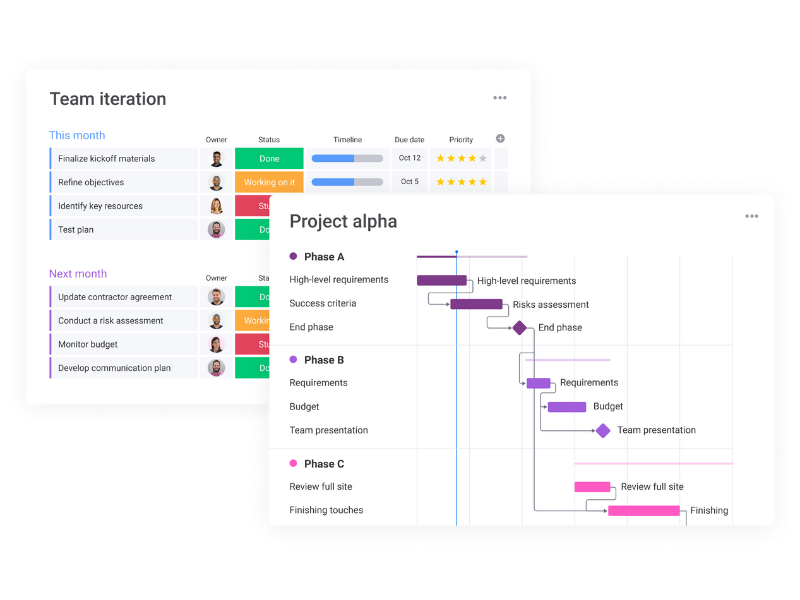
Create an Optimized Workspace by Integrating 40+
Tools you already use.

Let’s Get Started
Ready to partner with our team of workflow experts? Begin with a discovery call with our team of experts to uncover your needs and see how monday.com can transform the way you work.
01 - Workspace Architecture
One workspace with the structure to hold your entire operation.
We design the board hierarchy: workspace, folder, board, group, subitem all before any configuration begins. The goal is a workspace that makes sense to a new employee on day one and still holds structure at team member one hundred.
Cross-team workspace design with clear folder and board hierarchy
Linked boards and cross-board dependencies for complex projects
Role-based board access and permission structures
Reusable project templates for recurring workflows
02 - Resource & Capacity Planning
See who's underwater before they tell you they're drowning.
Workload management is the most under-configured part of most monday implementations. We set up workload views, effort estimation columns, and capacity thresholds so managers can actually see team bandwidth, and reassign before deadlines slip.
Workload views with capacity limits per team member
Effort estimation and story point columns
AI-powered resource allocation to match skills to tasks automatically
Capacity planning dashboards for leadership visibility
01 - Reporting & Dashboards
Leadership visibility that doesn't require a weekly status meeting.
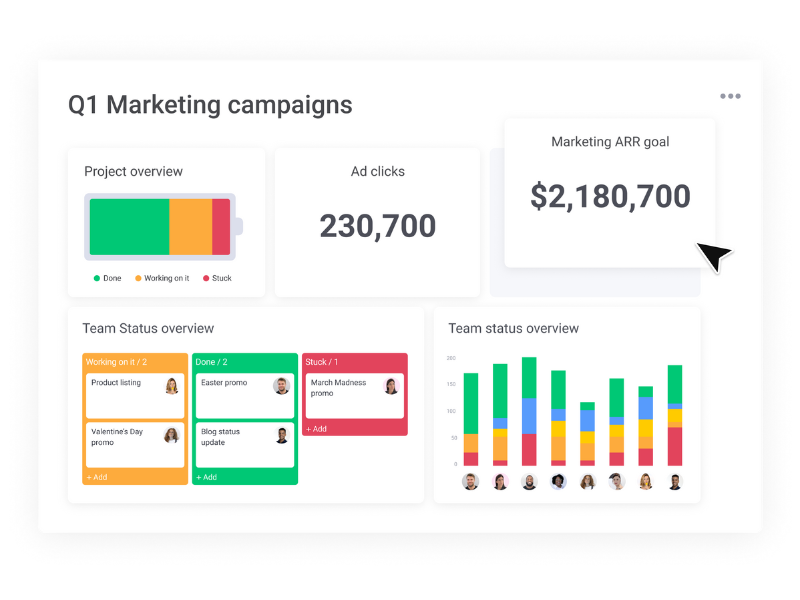
We build dashboards tailored to audience: executive dashboards for leadership, operational dashboards for managers, and project dashboards for individual contributors. The right information to the right person, always live, never pulled manually.
Executive project health dashboards are on-track, at-risk, overdue
AI-powered risk monitoring bottlenecks flagged before they escalate
Milestone and deadline tracking widgets
Team performance and output metrics over time
Loved by Teams and Organizations

Frequently Asked Questions
-
monday.com Work Management is a customizable platform that helps teams plan, track, and automate work across departments. It centralizes your processes—saving time, reducing manual tasks, and improving collaboration.
-
Absolutely. At Elevate Operations, we specialize in designing custom workflows tailored to your business goals—no matter your industry or team structure.
-
monday.com brings conversations, files, updates, and approvals into one shared workspace—so your team stays aligned and informed without digging through emails or Slack threads.
-
You can automate status updates, task assignments, due date reminders, notifications, and much more—freeing up your team to focus on high-value work.
-
Yes! We provide hands-on training and ongoing support to ensure your team knows how to manage, maintain, and evolve your monday.com Work Management system.