monday-dev // sprint-board
Sprint  14 — In Progress
8 items shipping · 5 done · 3 in review
GitHub sync:  live
PRs auto-linked · branch status visible in board
📊Velocity:  42pts avg (last 4 sprints)
Burndown current · capacity: 87%
🐛Bug backlog:  12 open
3 critical · 5 high · 4 medium · escalation: auto
Stakeholder view:  shared
Roadmap visible to product, sales, leadership

Your dev workflow
lives in four tools at once.

Sprint context is split across Jira, Notion, Slack, and GitHub. Nothing talks to anything. Non-technical stakeholders have no visibility. We build a monday Dev environment that connects all of it, and gives your whole organization one place to see what's shipping and when.

Why Monday.com dev?

Easily customize service workflows, sprints, and ticket flows in monday.com to match how your team works—no coding required.

Build Agile Workflows That Fit Your Process
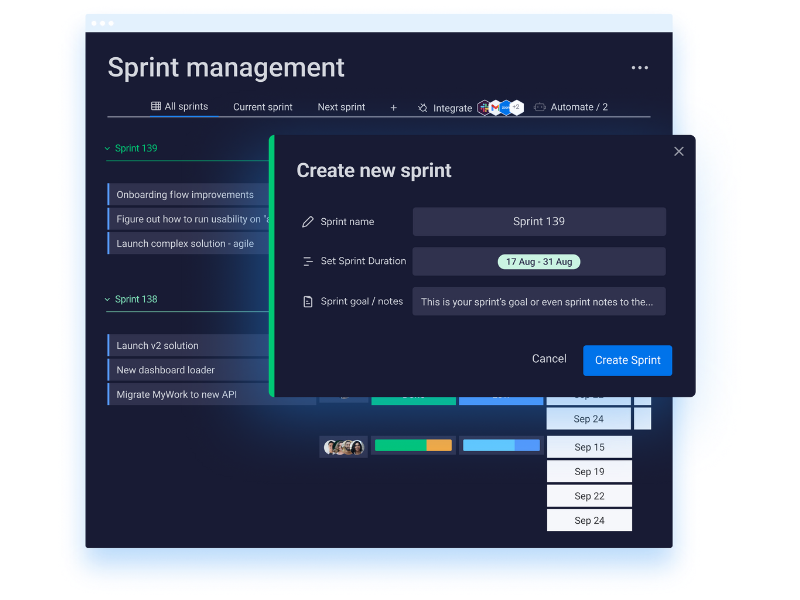
Screenshot of a sprint management software interface with a pop-up window to create a new sprint. The pop-up includes fields for sprint name, duration, and notes, alongside buttons for canceling or creating the sprint.

Automate Everything. Focus on What Matters.

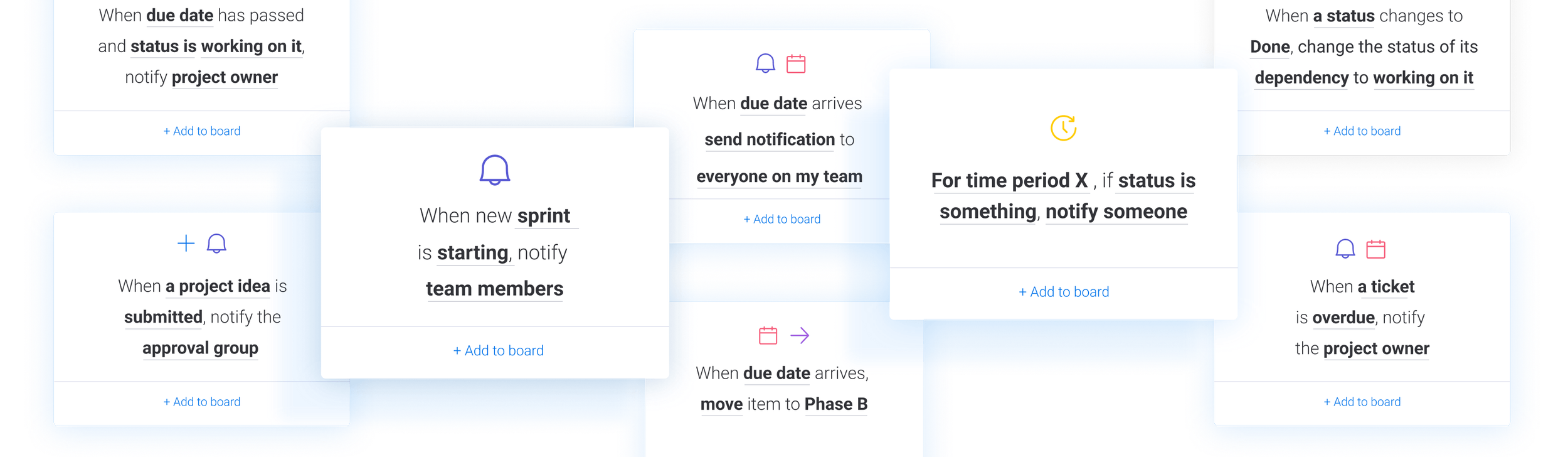
Automate your monday.com service workflows to save time and keep your team focused on delivering great results.
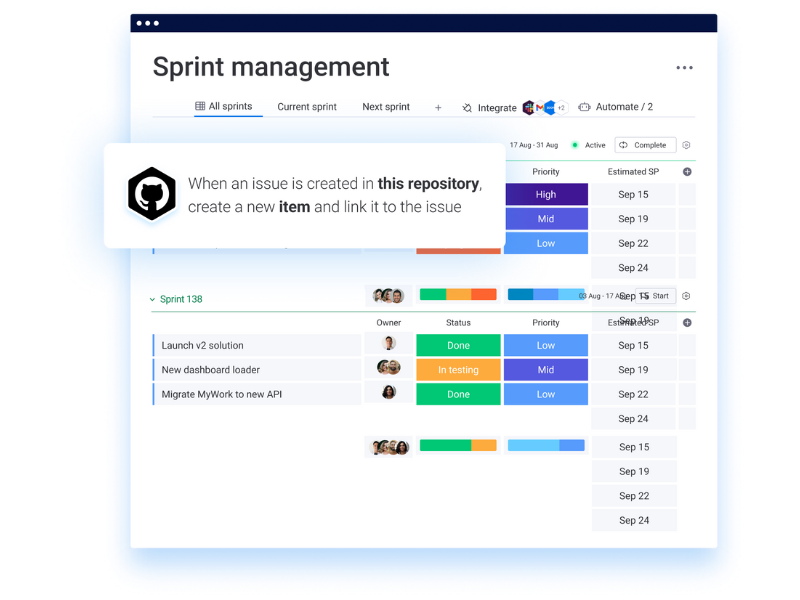
Screenshot of a sprint management board in a project management software, showing sprints, issue statuses, priorities, owners, and update dates.
Screenshot of a product roadmap displayed on a project management software, featuring tabs for Main table, Gantt, and Kanban, with Gantt tab selected. The roadmap outlines phases A and B, including high-level requirements, success criteria, risks assessment, requirements, budget, and marketing plan, shown in a Gantt chart format.

Plan

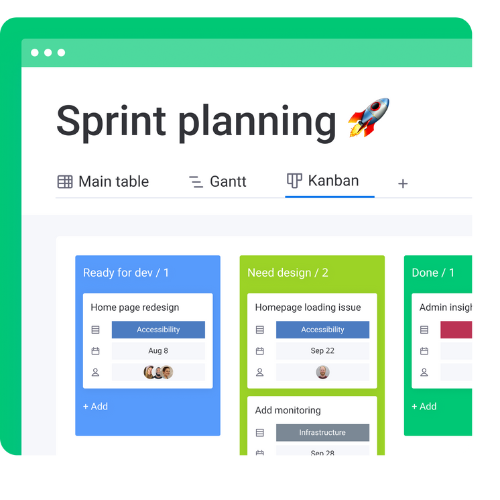
Digital dashboard titled 'Sprint planning' with tabs for Main table, Gantt, and Kanban; Kanban is selected, showing columns labeled 'Ready for dev,' 'Need design,' and 'Done,' organized with tasks and dates.

Execute

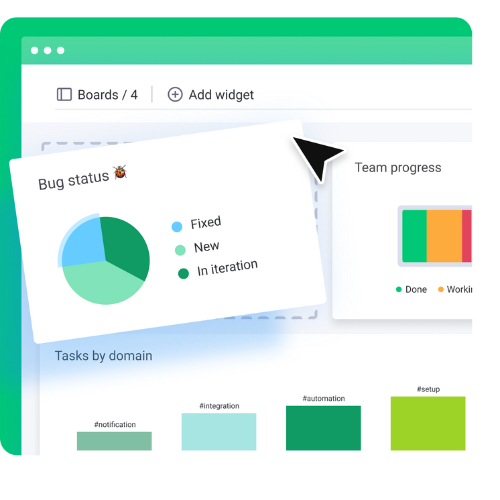
Screenshot of a project management dashboard showing bug status pie chart with categories fixed, new, and in iteration, and team progress bar with done and working segments.

Monitor

Connect Everything.

monday.com Service Automation Examples
Various app icons arranged in a horizontal line, including Google Drive, Gmail, Slack, Dropbox, LinkedIn, and others, with a central logo featuring pink, yellow, and green shapes.

Let’s Get Started

Ready to partner with our team of workflow experts? Begin with a discovery call with our team of experts to uncover your needs and see how monday.com can transform the way you work.

Loved by Teams and Organizations
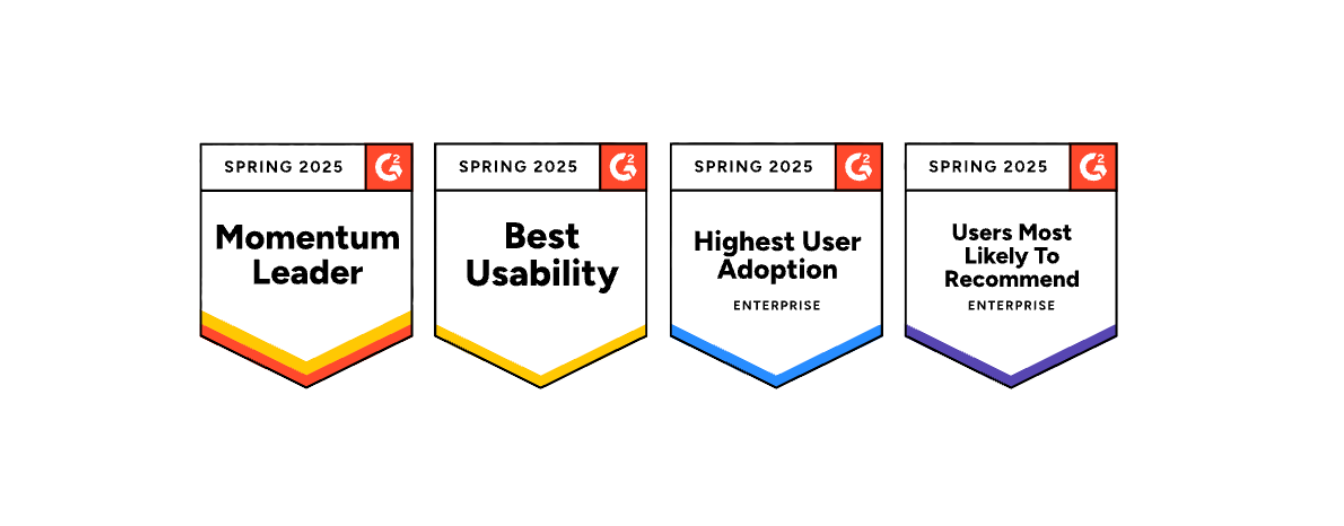
Four badges displaying awards from Spring 2025 for a product or service, including Momentum Leader, Best Usability, Highest User Adoption, and Users Most Likely to Recommend, with color-coded borders and icons.

Frequently Asked Questions

  • Yes—plan, assign, and track sprints, backlogs, and epics with boards built for agile workflows.

  • It integrates directly with GitHub and through third-party connectors for other repositories.

  • You can create visual product roadmaps with timelines, dependencies, and release milestones.

  • While monday.com isn’t a full version control tool, it tracks item history and integrates with dev tools to manage updates.

  • Yes—monday.com centralizes cross-functional collaboration with real-time updates, file sharing, and feedback threads.